Customer portal development cost: what actually drives the number
Why the same-looking portal is quoted at €4k and at €40k. The four things that move the estimate, the lines that vanish from cheap quotes, and how to read a proposal before you sign it.
Ask three studios what a customer portal costs and you get three numbers an order of magnitude apart. That is not because two of them are lying. It is because "portal" is not a scope — it is a word that covers everything from a login page with a PDF list to a system that runs half your operations.
Here is what actually moves the number, line by line, and what to ask before signing anything.
The four things that move the estimate
Not the visual design, not the studio's reputation. Four parameters, all of which you can count before the first call.
1. How many roles the portal has
One role — the customer sees their own data — is one system. Add an internal operator who edits that data, an admin who manages accounts, and a partner with partial visibility, and you have four permission models, four sets of screens and four ways to leak data to the wrong person.
Roles multiply the work more than features do. A portal with one role and twenty screens is cheaper than a portal with four roles and eight.
2. Whether data flows one way or both
Read-only is cheap: pull the record, render it, done. The moment the customer can change something — upload a document, cancel an order, edit their details — you need validation, conflict handling, an audit trail and a way to reverse a mistake.
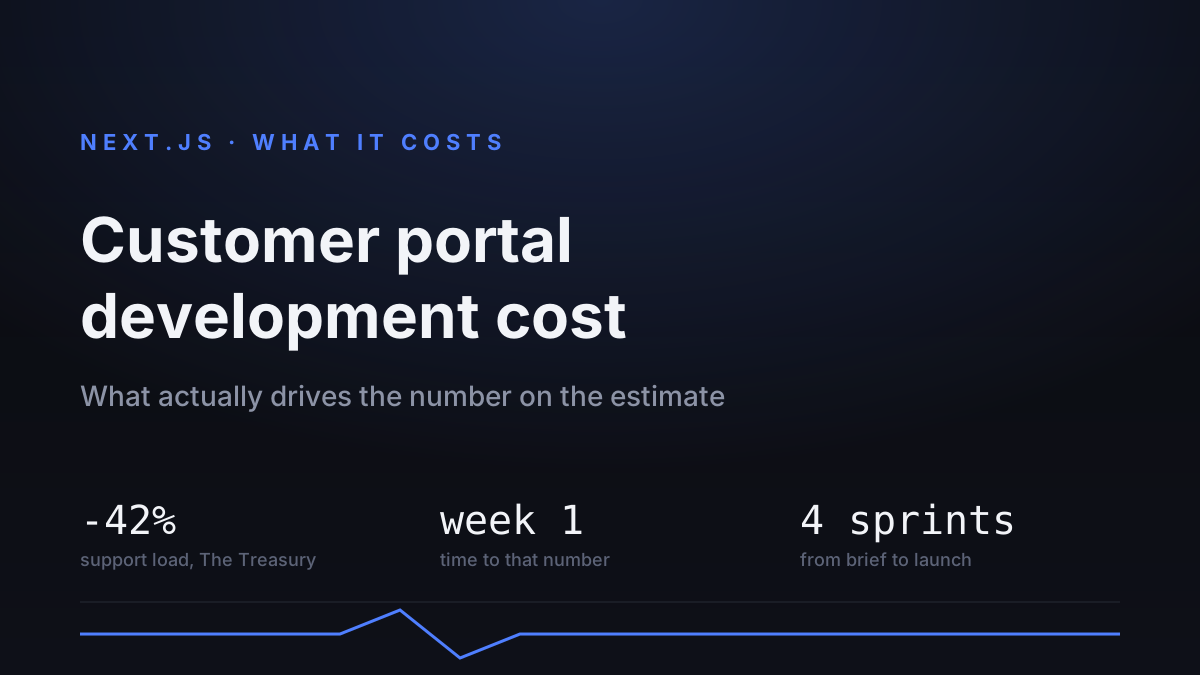
In our portal for The Treasury, statuses, documents and order history moved into self-service, and support load dropped 42% in the first week. That number came from letting people do things, not just look at them — and that is the expensive half.
3. What it connects to
A portal reading from one clean database is a different project from a portal reconciling three systems that disagree about the same customer. The integration work is rarely in the demo and always in the invoice.
The honest test: ask whoever quotes you what happens when the source system is down. If the answer is vague, integration was not priced.
4. Who logs in, and how
Email and password is an afternoon. Single sign-on with the client's corporate identity provider, invite flows, role delegation, session revocation and an audit of who saw what — that is a work package of its own, and in regulated industries it is not optional.
The lines that vanish from cheap quotes
These are done in every real project. If they are not in the quote, they are either missing or coming back as a change request.
Empty, loading and error states for every screen that fetches data. A portal that shows a blank rectangle while it thinks, and a blank rectangle when the request failed, teaches users that it is broken.
Mobile layout. Portals get opened on phones far more than their owners expect — usually by the person checking a status while away from the desk.
Monitoring and alerts. Not "is the server up" but "did anything actually get through". A portal that silently stopped syncing looks perfectly healthy from the outside.
Handover: documentation, a walkthrough for whoever will run it, and credentials in your name. We put this in writing because a portal you cannot hand to another team is not an asset, it is a dependency.
How long it takes
A focused portal — one role, read-mostly, one source system — is roughly a month of build. Add roles, two-way flows and a second integration and it is a quarter.
We work in one-to-two-week sprints with a Friday demo on real data. The reason is not process theatre: portals are where assumptions about "how the business actually works" break, and they break faster when someone from that business is clicking a real screen every week.
The schedule slips on decisions, not on code. Projects that name one person who can settle a question in a day ship on time; projects that route every question through a committee do not.
Five questions to ask before signing
Which roles exist and what can each of them change? Vague answers here become scope disputes later.
What happens when an upstream system is unavailable — does the portal degrade or does it show an error page?
Who owns the code, the repository and the hosting accounts? The answer should be you.
What is included after launch and what does it cost separately? "Support included" without hours or a response time is not support.
How will we know something stopped working? If the answer is "users will tell us", monitoring was not quoted.
In short
Roles, write access, integrations and authentication drive the cost — screens and styling barely register. States, mobile, monitoring and handover belong in the base price; when they are missing, you are looking at a demo, not a system. And the most expensive portal is the one built twice.
Our starting prices and terms are on the pricing page, and what we do end to end is in Next.js development. If you want a range for your own case, describe it — the estimate is fixed before work starts.